EXOLAR
Testing Dashboard
Get early access updates
The MCP Revolution
Model Context Protocol transforms how AI agents interact with your test infrastructure. Direct access. Zero friction.
Direct Agent Access
Your AI coding assistant can now read test failures directly from the database. No more copy-pasting logs.
One-Line Install
Seamlessly install E2E skills into Claude Desktop with a single command. Zero manual config.
Auto-Triage
Agents can classify failures (Flake vs. Bug) automatically, saving hours of manual investigation every week.
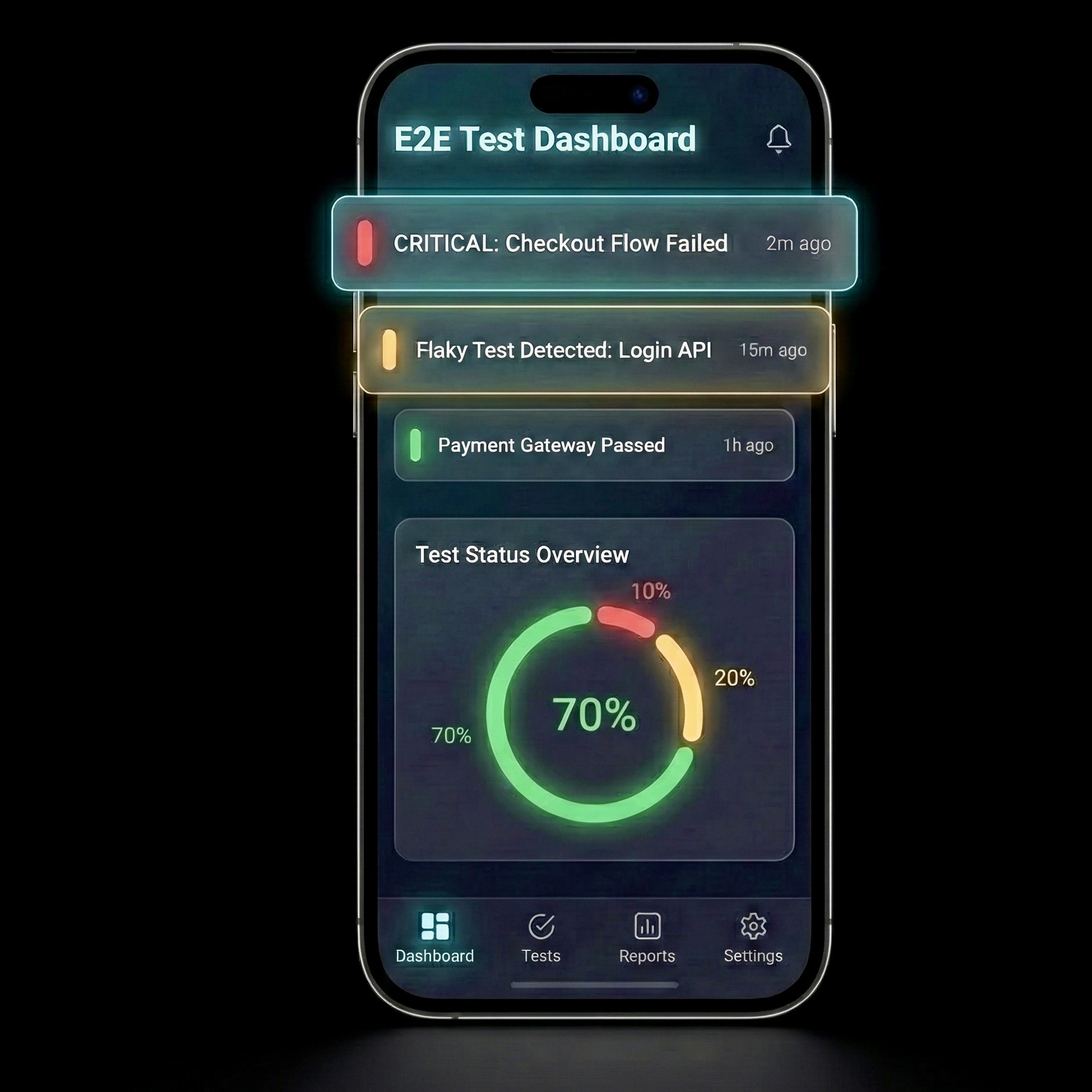
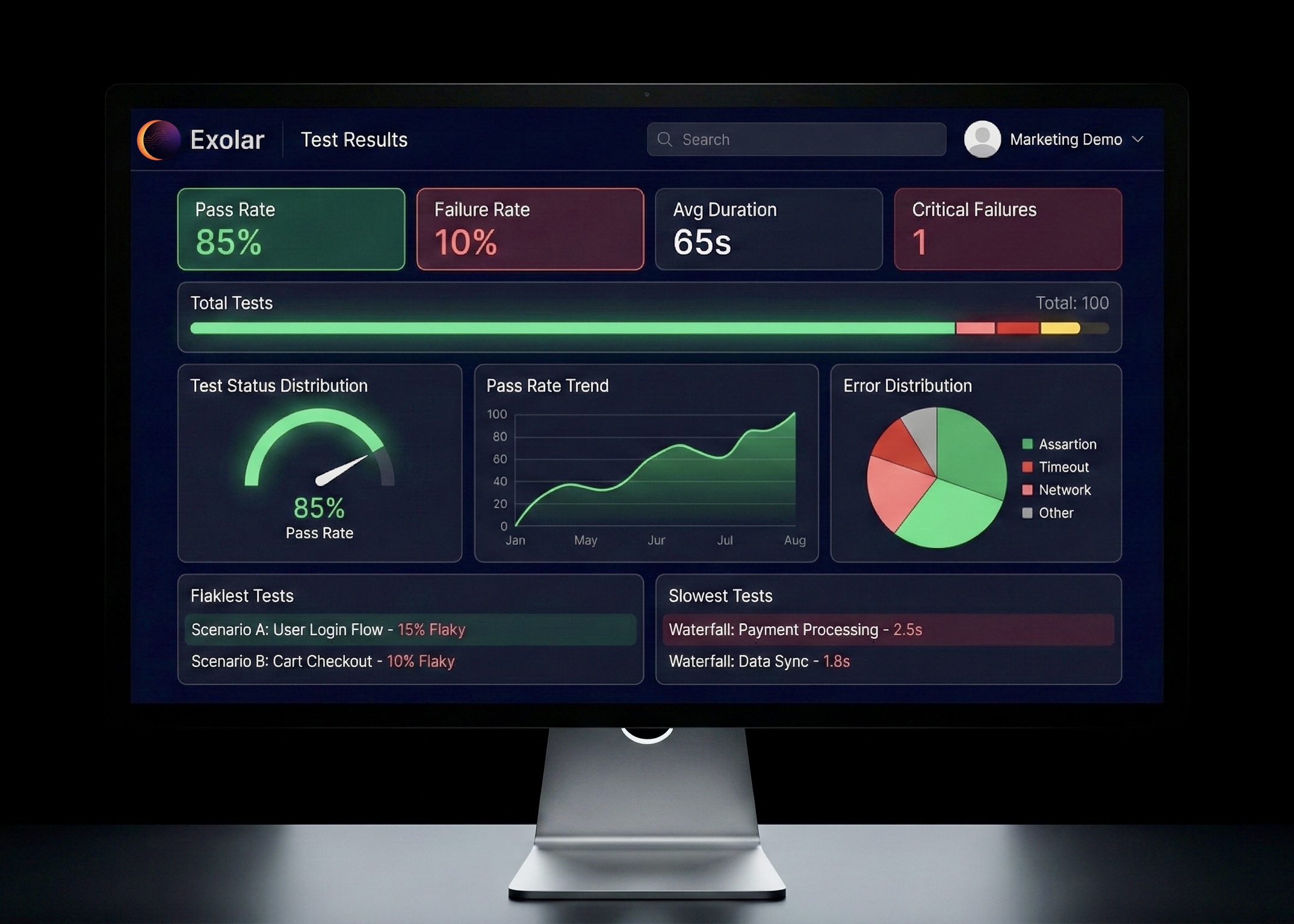
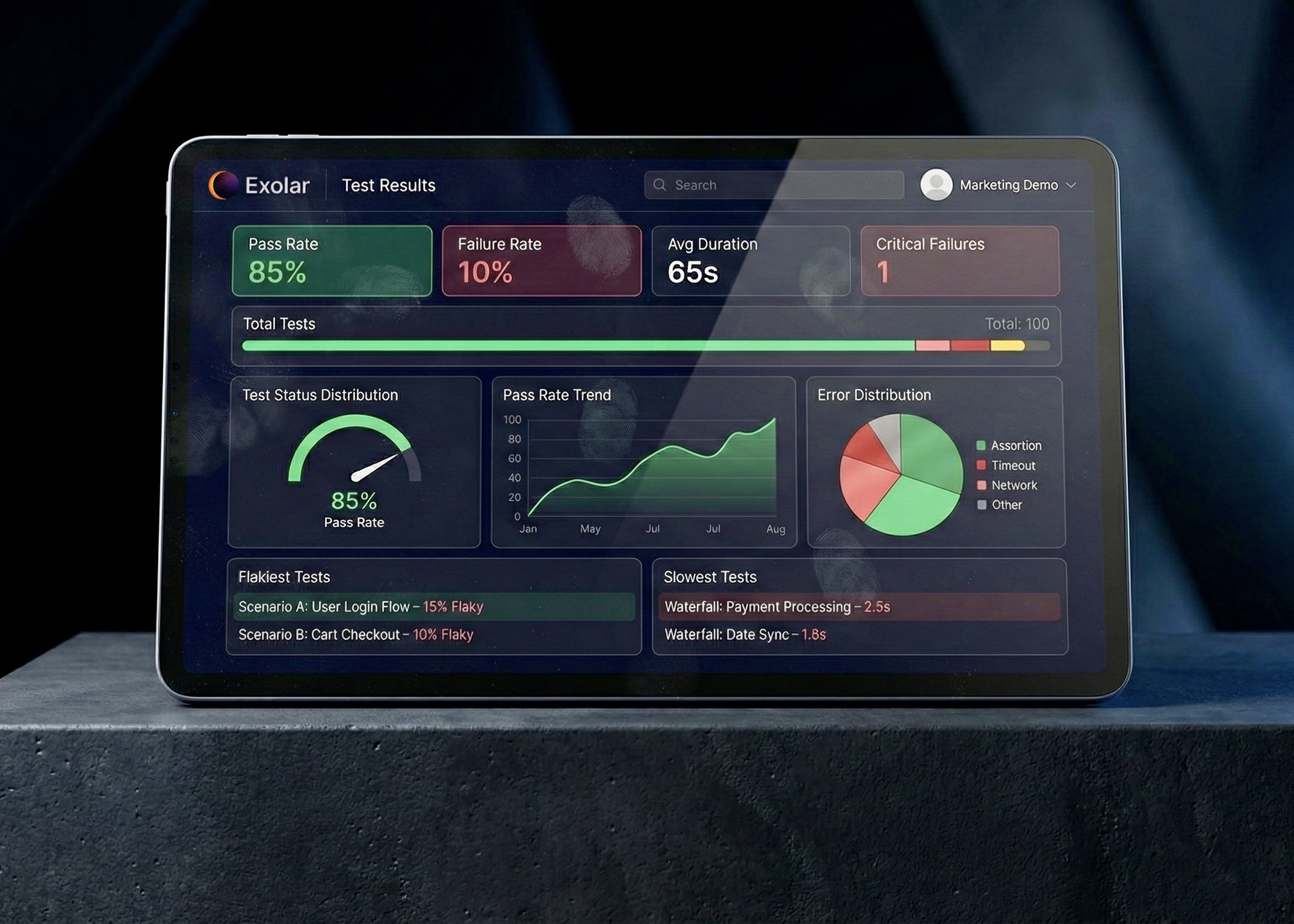
Your Test Suite, Omnipresent
Access your E2E infrastructure from any device, anywhere.
Full command center with deep trace analysis and AI debugging tools.
Core Dashboard Features
Everything you need to monitor and debug your E2E test suite.
Reliability Score
Single 0-100 gauge showing test suite health at a glance. Know instantly if your tests are reliable.
Regression Detection
Automatic detection when tests slow down. Catch performance regressions before they impact your CI/CD pipeline.
Flake Detection
Automatically identify flaky tests with statistical analysis. Stop chasing false failures.
Compare Runs
Side-by-side comparison of test runs. Instantly identify regressions, fixes, and new tests.
Smart Error Clustering
Don't debug 50 tests one by one. Automatically group failures by error pattern to identify the root cause instantly.
Branch-Based Workflows
Track stability per feature branch. Know exactly which PR broke the build before you merge.
Get Started in Seconds
Install the MCP server with a single command.
Part of the Triqual Ecosystem
Exolar is one of six. See the full platform →
Interested? Leave your details for early access.